01
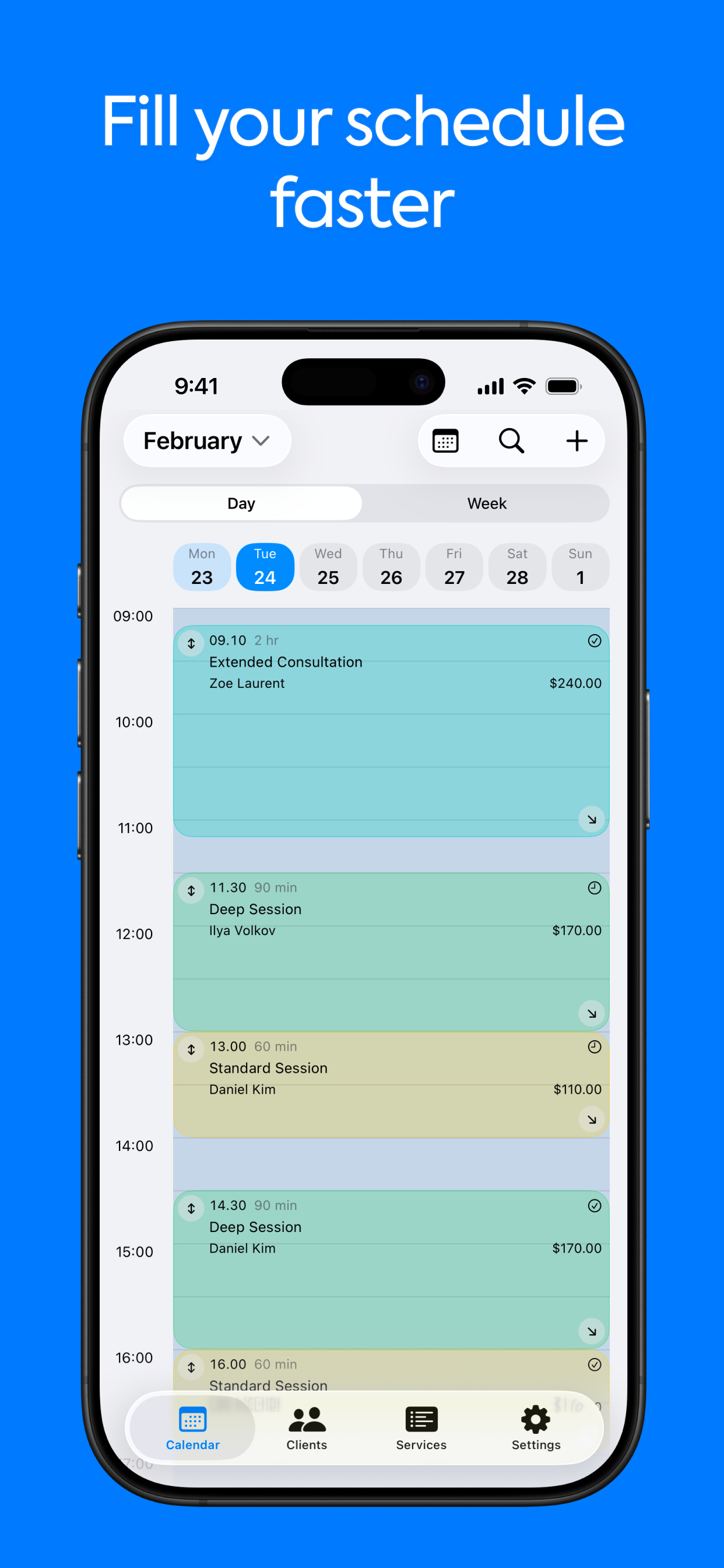
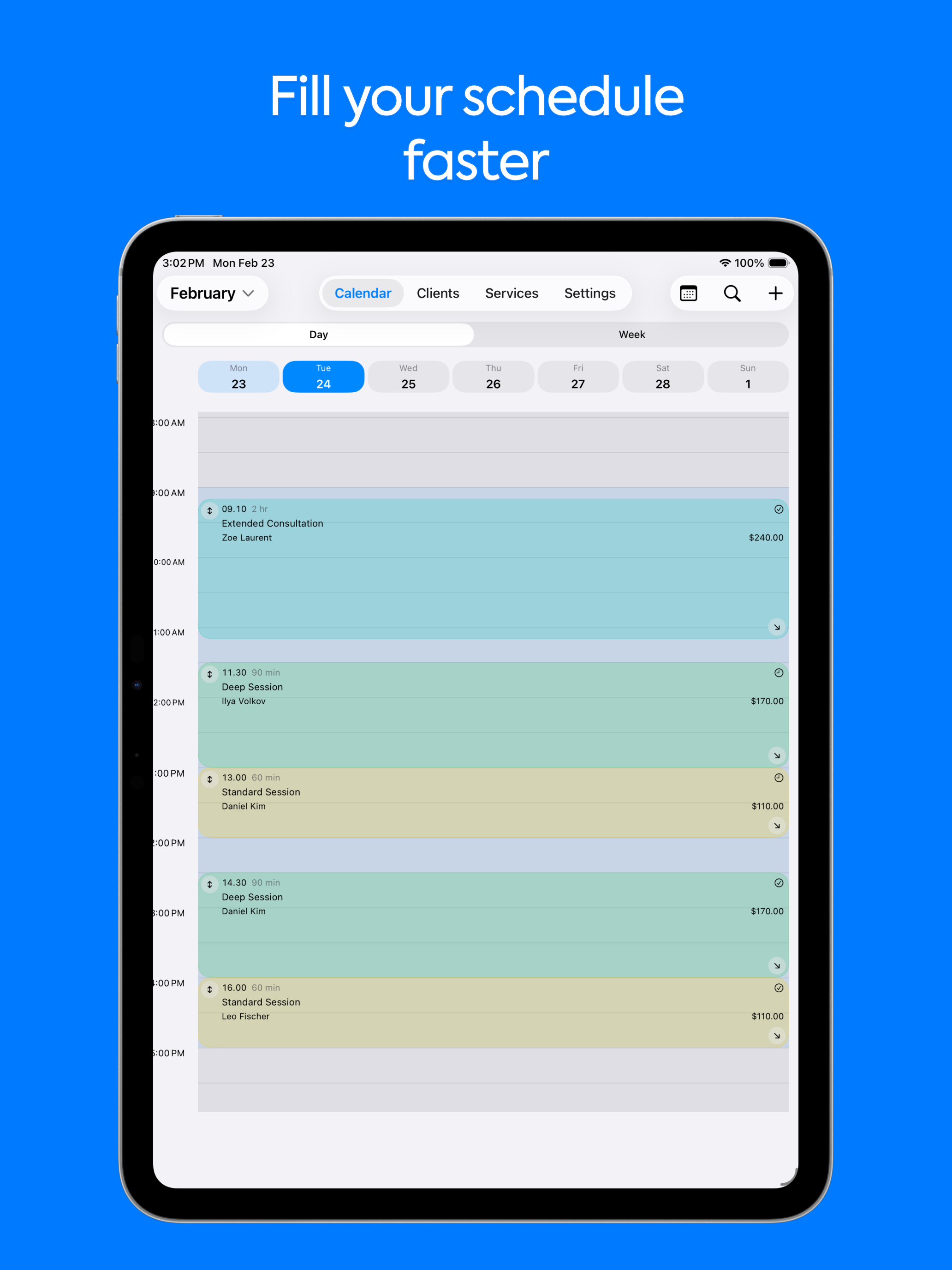
Fill your schedule faster
Plan day and week views in seconds with services, prices, and availability in one calendar.
Client Planner
Download on the App Store
For appointment-based professionals on iPhone and iPad
Client Planner keeps appointments, clients, reminders, analytics, and backup in one clean workflow so you can book faster and forget less.
Choose the main scenario
Included right away
Book clients faster from one calendar
Keep notes and visit history at every appointment
Miss fewer appointments with smarter reminders
Works for tutors, photographers, beauty pros, consultants, and other appointment-based specialists.
Client Planner
Everything the working day needs.
See the app
Client Planner keeps booking, client details, reminders, and business safety in one place.
Book faster
Build the day in one calendar with services, prices, and fewer manual steps.
Remember more
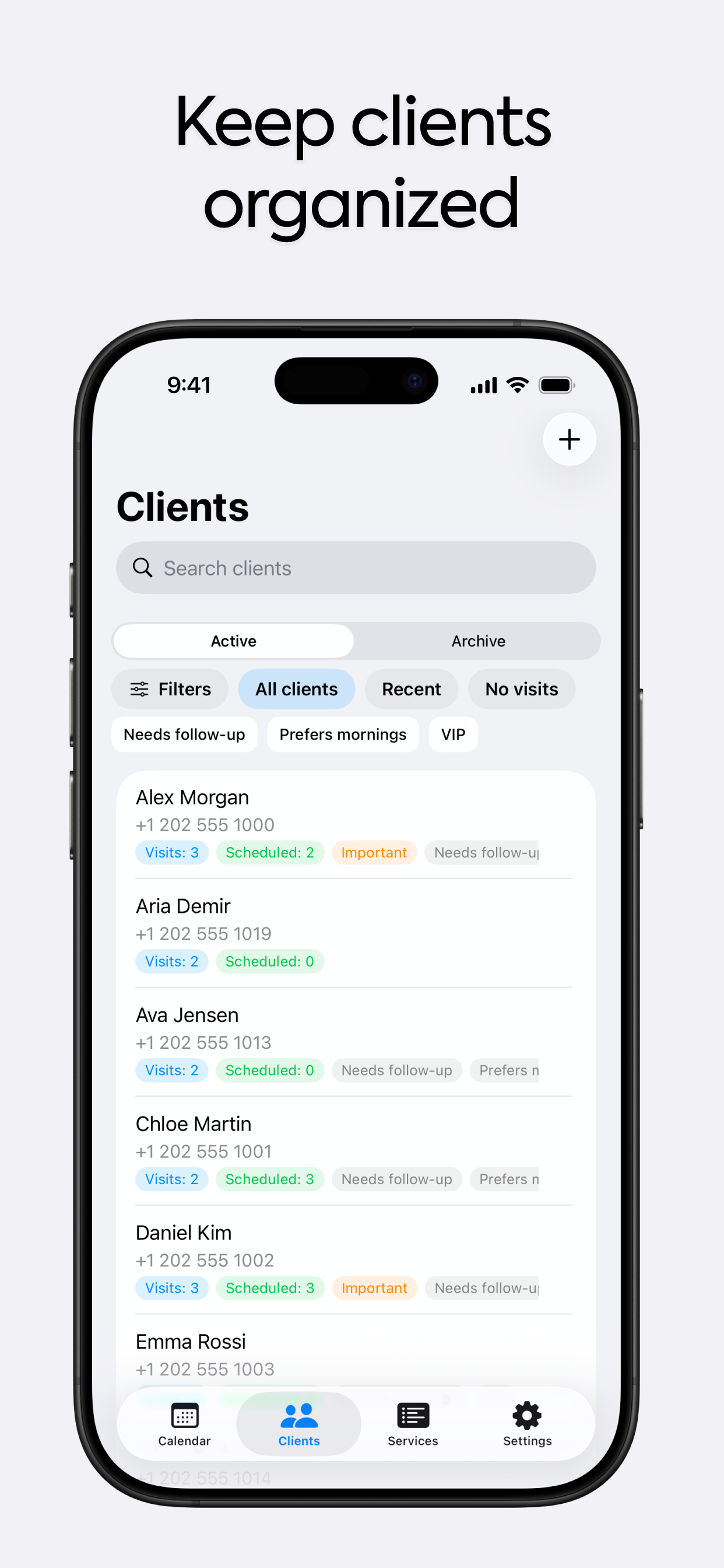
Keep client notes, tags, visit history, and next steps close to the schedule.
Who it is for
Appointment-based professionals
Tutors, photographers, beauty pros, consultants, and other specialists who work through bookings and repeat visits.
Independent service providers
Professionals who need a cleaner daily workflow than notes, chats, and scattered calendar entries.
Growing solo businesses
Teams of one who want reminders, analytics, backup, and better client continuity before scaling up.
Why not just Calendar + Notes
If you only need empty slots, a basic calendar is enough. If you run repeat-client work, you need history, reminders, follow-ups, and business control in the same flow.
Client history
How others do it
Scattered across chats and notes.
In Client Planner
Visit history, tags, and notes stay with the client card.
Repeat bookings
How others do it
Manual copy-paste and re-entering service details.
In Client Planner
Services, prices, and next-step context stay ready for the next visit.
Reminders
How others do it
Only generic calendar alerts.
In Client Planner
Unconfirmed appointment reminders and free-slot signals built for client work.
Business control
How others do it
No clean view of workload, revenue, or backup.
In Client Planner
Analytics, export, sync, and backup in the same workflow.
Daily flow
01
Book the visit
Add service, price, time, and client in one clean calendar flow.
02
Work with context
Open notes, tags, and visit history during or right after the appointment.
03
Bring them back
Use reminders, free-slot alerts, and follow-up context to fill the next booking faster.
See the app
From calendar control to reminders and backup, each screen shows how the app keeps appointments, client details, and follow-ups in one place.
01
Plan day and week views in seconds with services, prices, and availability in one calendar.
02
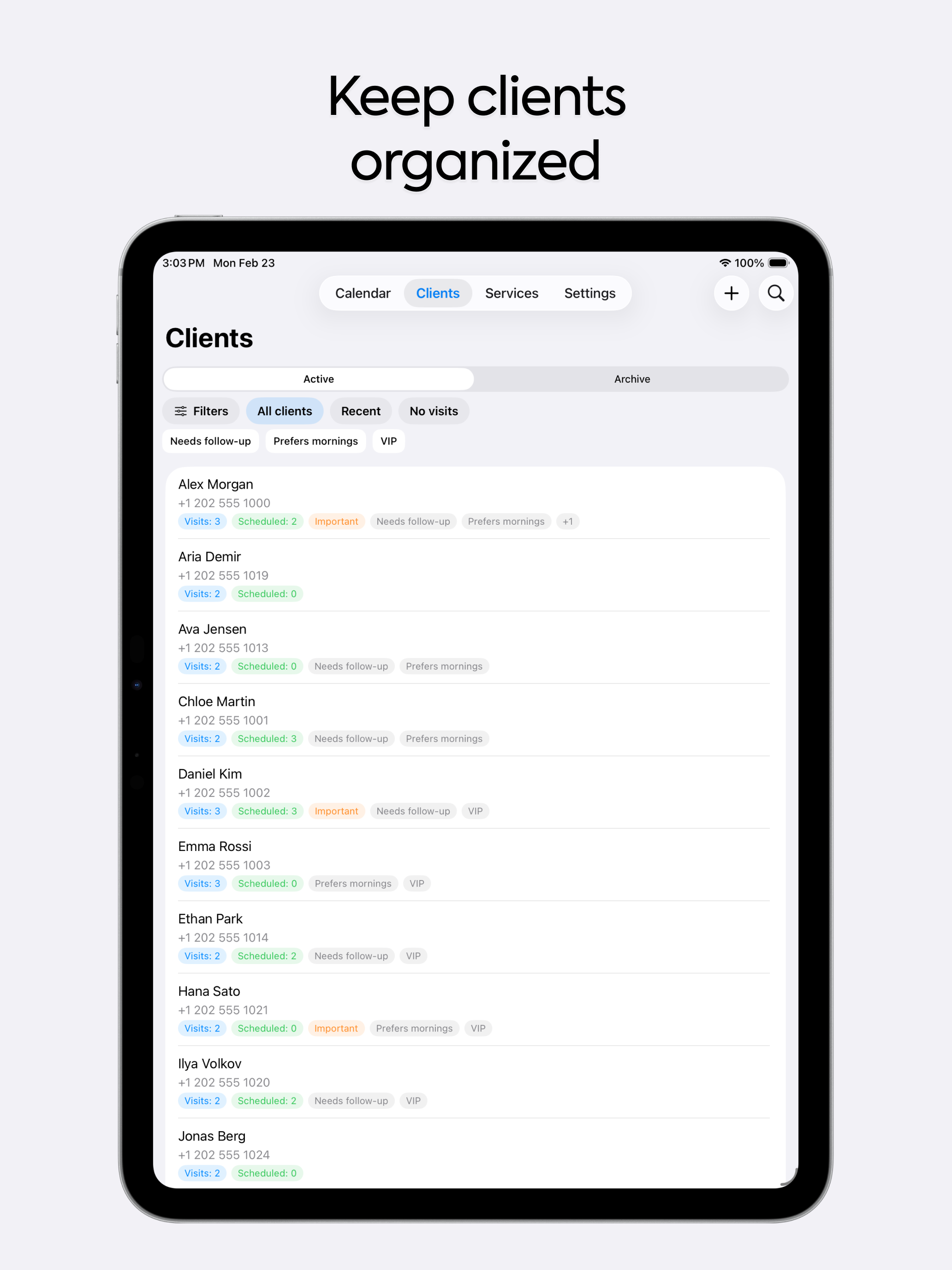
Search fast, store notes and tags, and keep visit history ready for every returning client.
03
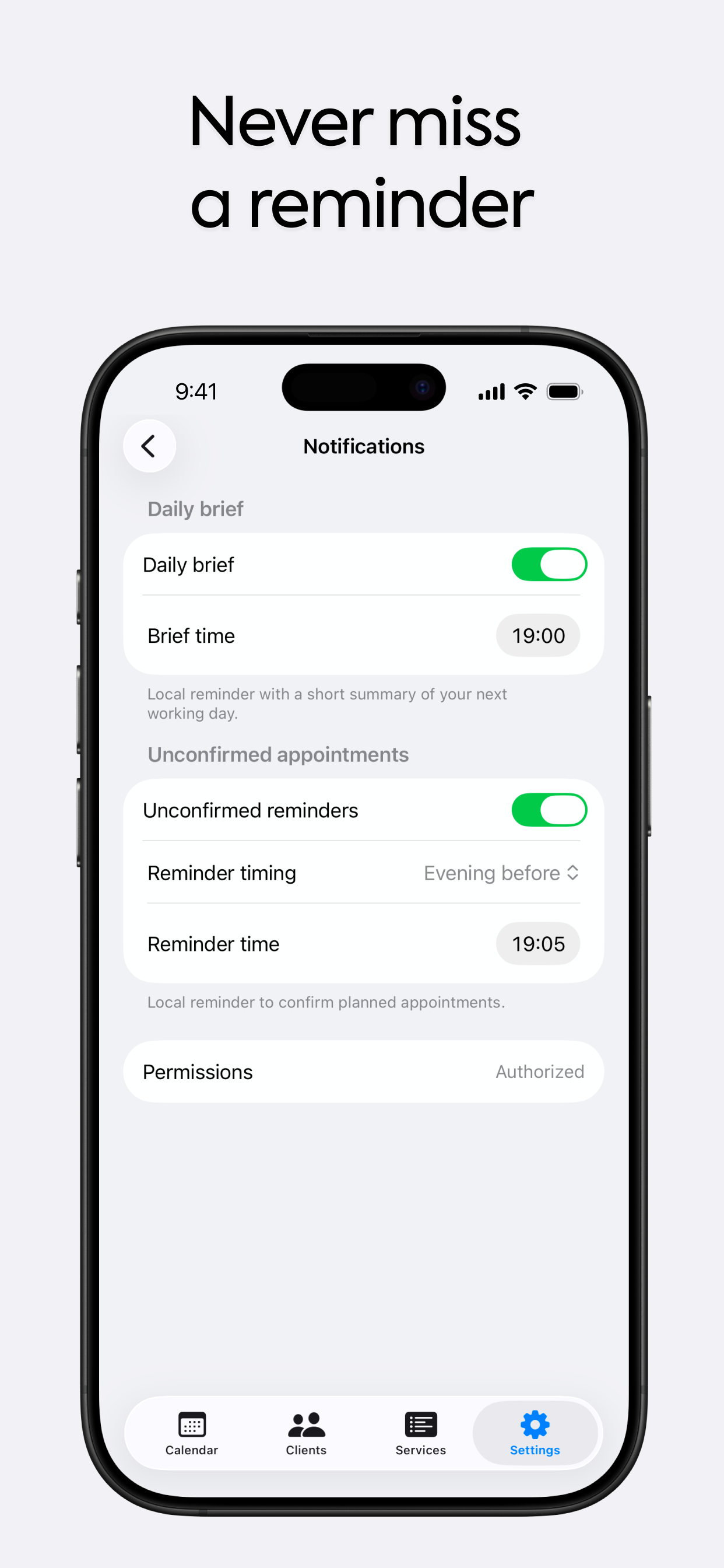
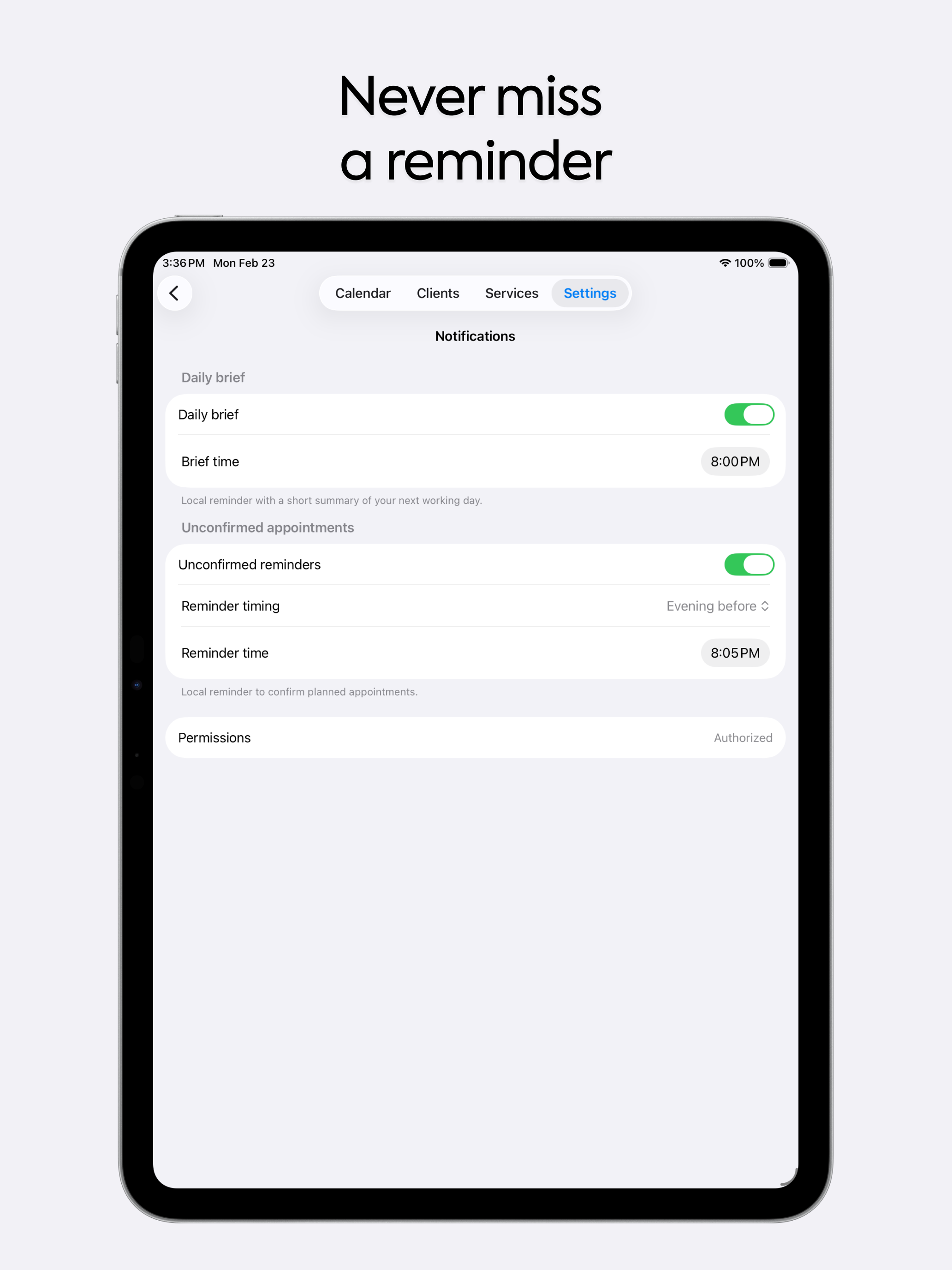
Stay ahead with daily brief, unconfirmed appointment reminders, and free-slot alerts.
Move with confidence
Import your current schedule, keep a safe backup, and see the numbers that help you stay in control.
Import from Apple Calendar
Bring existing appointments and clients into the app without starting from zero.
Export and backup anytime
Protect your business with CSV export, iCloud backup, and fast recovery when you need it.
See your business pulse
Track revenue, workload, forecasts, and top services without extra spreadsheets.
FAQ
It is best suited to professionals who work by appointment, handle repeat clients or sessions, and need client context close to the schedule.
Yes. The product and screenshots already support both iPhone and iPad layouts.
Yes. The app supports import from Apple Calendar and also includes CSV-based data transfer.
The product includes iCloud backup, restore flows, export, sync options, and app lock support for more sensitive client work.
Pro expands limits and unlocks higher-value tools such as advanced client workflows, backups, sync, templates, and richer analytics features.
App Store
Download Client Planner and start organizing appointments, clients, and reminders in one place.